Performance
Core Web Vitals for frontend developers: LCP, INP, CLS
Learn how LCP, INP, and CLS affect SEO and UX. A practical Core Web Vitals guide for React and Next.js teams with official Google metrics targets.
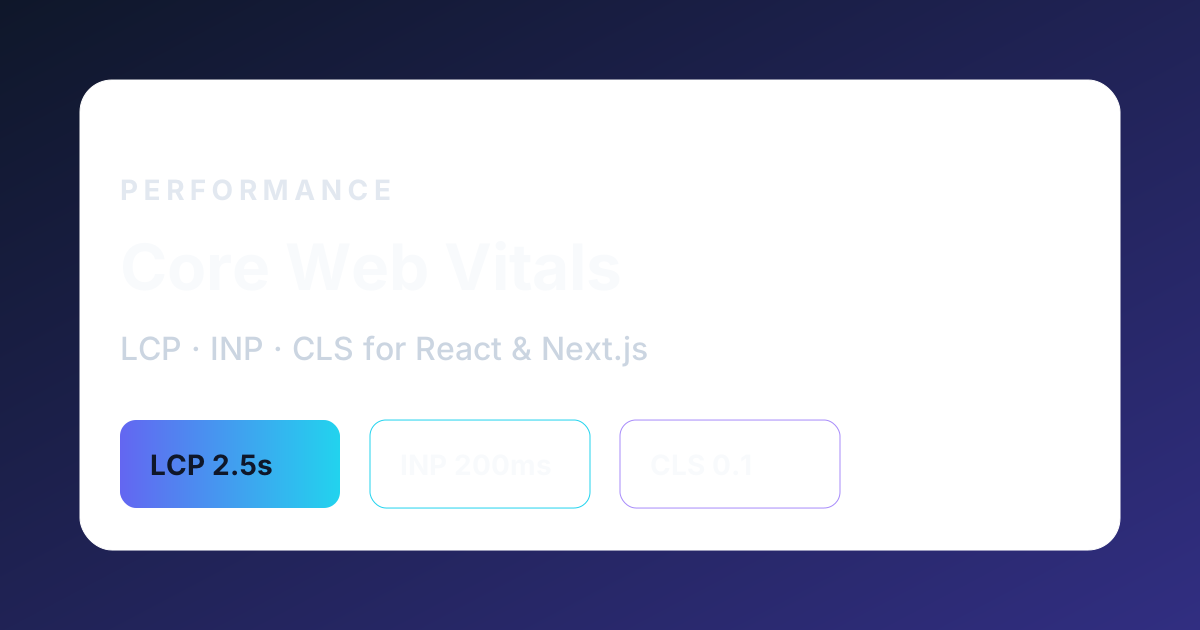
Why Core Web Vitals matter for SEO and product quality
Core Web Vitals are a set of real-user metrics that measure loading, interactivity, and visual stability. Google uses them as part of the page experience signals that influence how competitive a page can be in search, especially when content quality is similar between competitors.
For frontend developers, Core Web Vitals are not only an SEO topic. They describe whether users can see content quickly, interact without delay, and read a page without unexpected layout shifts. A portfolio or SaaS dashboard that fails these checks often feels slow even when the design looks polished.
The three current metrics are Largest Contentful Paint (LCP), Interaction to Next Paint (INP), and Cumulative Layout Shift (CLS). Official guidance from web.dev treats them as thresholds you should meet at the 75th percentile of real user visits.
LCP: make the main content visible early
LCP measures when the largest visible content element finishes rendering in the viewport. For many pages that element is a hero image, headline block, or product screenshot. Slow LCP usually means large images, render-blocking resources, slow server response, or client-side rendering that delays the first meaningful paint.
In React and Next.js projects, improve LCP by prioritizing the hero image with the priority prop, using modern image formats, keeping critical CSS small, and preferring static or server-rendered HTML for above-the-fold content. Avoid loading the entire application bundle before the user sees the headline.
A practical LCP checklist for frontend teams: compress hero media, preload the LCP image when appropriate, reduce third-party scripts on the landing route, and measure field data in Search Console or your analytics platform instead of relying only on local Lighthouse runs.
INP: keep interactions responsive
INP replaced First Input Delay (FID) as the responsiveness metric. It focuses on how quickly the page responds to user interactions such as clicks, taps, and keyboard input during the full visit, not only the first interaction.
Heavy JavaScript on the main thread is the most common INP problem in React apps. Long tasks from large bundles, unoptimized effects, expensive re-renders, and third-party widgets can delay input handling. Split work across routes, defer non-critical scripts, and profile interactions in Chrome DevTools Performance panel.
For Next.js App Router sites, prefer server components for static content, lazy-load heavy client widgets, and avoid blocking hydration on sections that are not needed immediately. INP improvements often come from less JavaScript and smarter scheduling, not from micro-optimizing a single animation.
CLS: stop the layout from jumping
CLS measures unexpected layout movement while the page is open. Common causes include images without width and height, late-loading fonts, injected banners, and components that mount above existing content.
Frontend developers can prevent most CLS issues with disciplined layout rules: always reserve space for media, use aspect-ratio utilities, avoid inserting content above the current scroll position unless the user triggered it, and test font loading strategies.
Creative portfolios often fail CLS when hero images, theme toggles, or cookie banners push content downward after first paint. Fixing CLS usually improves trust immediately because the page feels stable and intentional.
Measure, prioritize, and ship fixes
Use field data whenever possible. Lab tools such as Lighthouse are useful for debugging, but SEO and product decisions should consider real users on real devices and networks. Compare lab and field results before choosing what to optimize first.
Prioritize fixes that affect the LCP element, reduce main-thread work for common interactions, and stabilize above-the-fold layout. Document before-and-after metrics in case studies; that turns performance work into credible portfolio evidence.
Core Web Vitals work best when they are part of the delivery process, not a one-time audit before launch. Add performance budgets to pull requests, track regressions, and keep hero routes lean as the product grows.
Frequently asked questions
What is a good LCP score?
Official guidance recommends an LCP of 2.5 seconds or less at the 75th percentile of page loads to be considered good.
Does INP affect SEO?
INP is part of Core Web Vitals and page experience signals. Poor responsiveness can hurt competitiveness in search when other quality signals are similar.
How can React developers reduce CLS?
Reserve space for images and embeds, load fonts carefully, avoid inserting content above existing UI, and test pages on slow networks with real content.